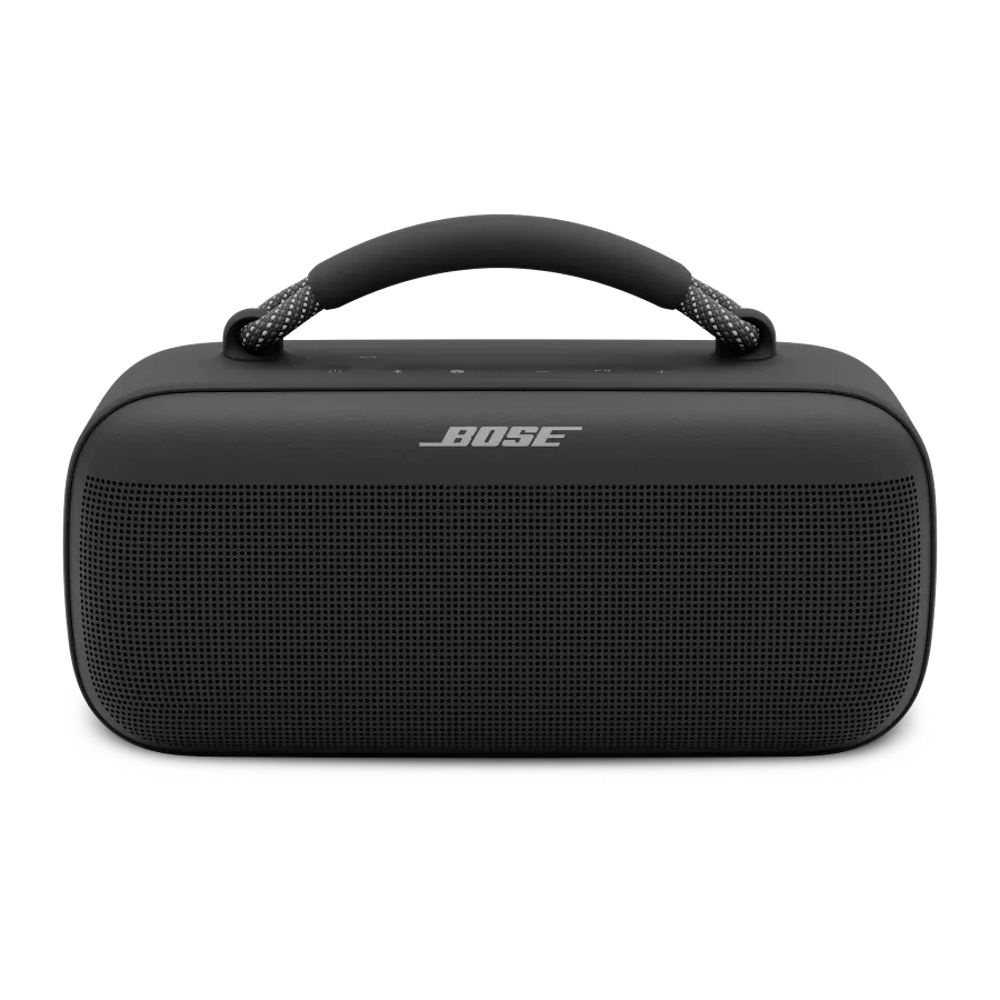
A soundbar is a speaker system in one long cabinet. It takes audio from your TV over HDMI or optical, splits it into channels with a built-in processor, and plays each channel through its own drivers. Most fix the problem TV speakers create: small drivers that fire down or backward and bury dialogue.
How well a soundbar works comes down to three things: how many real channels it has, whether it adds a subwoofer or rear speakers, and how it connects to your TV. Get those right and the rest is tuning.
ArmorSound did not test soundbars for this guide. It draws on Dolby’s published Atmos guidance, manufacturer manuals, and our soundbar reviews linked below.
Channels, connection and a sub decide how good a soundbar sounds
Pick a bar with a center channel if dialogue is your problem, connect it to the TV’s eARC port, and add a subwoofer or rear speakers only if you want movie bass or true surround.
- First-time soundbar buyers
- Anyone fixing muffled TV dialogue
- Choosing between 2.0, 3.1 and 5.1.2
- You already run an AV receiver with speakers
Where to buy
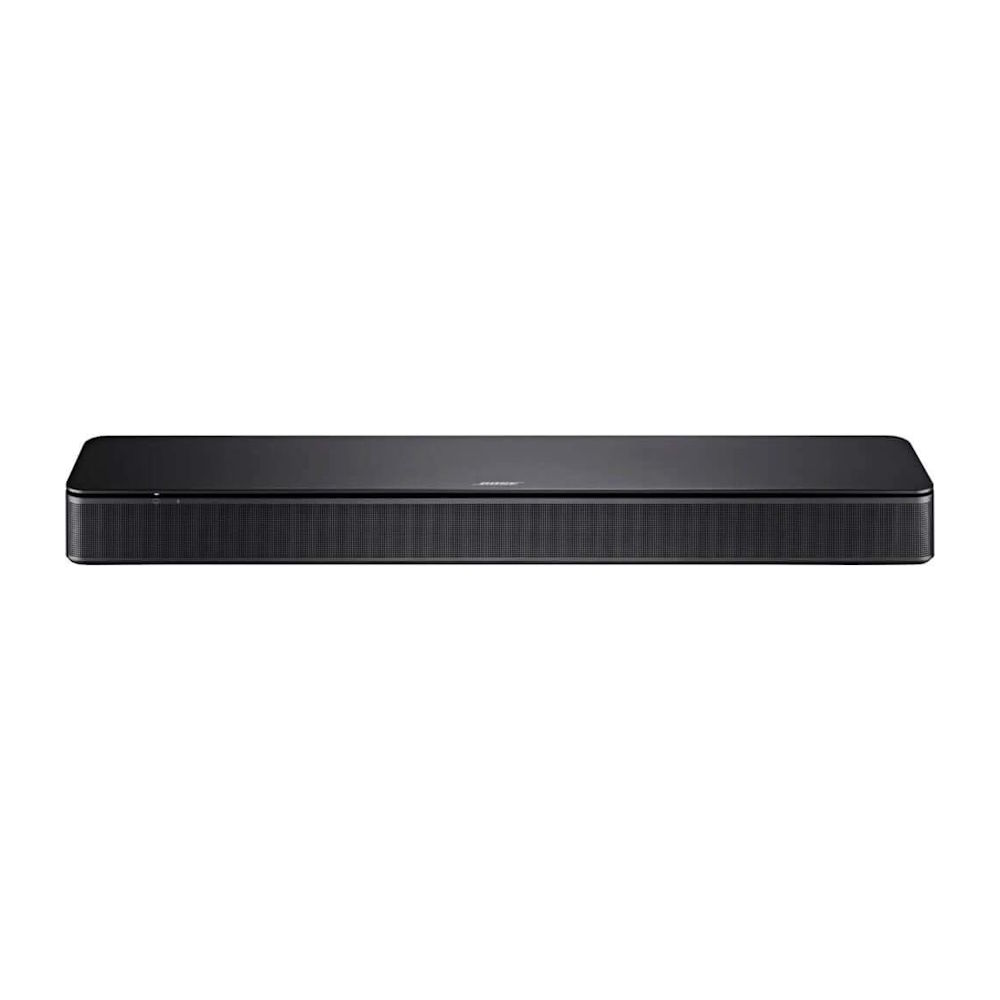 Simple dialogue upgrade
Bose TV Speaker
Best for: Clearer TV dialogue in small rooms
- Channels
- 2.0
- TV inputs
- HDMI ARC, optical, AUX
How does a soundbar turn TV audio into sound?
- The TV sends a signal. Over HDMI ARC or eARC, the TV passes audio from its apps and inputs to the bar. Optical carries the same job for older TVs, with less bandwidth.
- The processor decodes it. A chip inside the bar decodes stereo, Dolby Digital or Dolby Atmos, then assigns each sound to a channel: left, center, right, and any surround or height channels.
- Drivers play each channel. Tweeters handle highs, mid-range drivers handle voices, and a subwoofer or the bar’s own woofers handle bass.
- DSP shapes the result. Digital processing adds dialogue enhancement, night modes that compress loud effects, and virtual surround that widens the sound beyond the bar.
What do soundbar numbers like 2.0, 3.1 and 5.1.2 mean?
The first number is the main channels, the second is the subwoofer, and the third is the height channels. A 2.0 bar has left and right only. A 3.1 bar adds a center channel for dialogue and a subwoofer. A 5.1.2 system adds two surround channels and two height channels.
The center channel matters most if you struggle to hear voices. A bar with a dedicated center driver keeps dialogue anchored to the screen. The JBL Bar 500 uses one; the Bose TV Speaker is a 2.0 design that leans on a dialogue mode instead.
What is the difference between virtual and real surround?
A single bar cannot put a speaker behind you. Virtual surround uses processing and angled drivers to bounce or steer sound so it seems wider than the bar. It works best in small, regular rooms with hard side walls. For sound that truly comes from behind, choose a system with physical rear speakers.
How does Dolby Atmos work in a soundbar?
Dolby Atmos adds height to the mix. Bars with up-firing drivers aim sound at the ceiling so it reflects down toward you; Dolby says this works best with a flat, reflective ceiling. Bars without up-firing drivers render Atmos virtually, which sounds less convincing. The JBL Bar 500, for example, decodes Atmos but has no up-firing drivers. Browse Dolby Atmos soundbars for models with real height channels.
Should I connect my soundbar with HDMI eARC, ARC or optical?
- HDMI eARC carries lossless and full Dolby Atmos audio from TV apps, and lets your TV remote control the bar through HDMI-CEC.
- HDMI ARC carries compressed Dolby Digital, and Atmos only in its compressed Dolby Digital Plus form.
- Optical carries stereo and Dolby Digital 5.1, with no Atmos and no remote control link.
Use the TV’s HDMI port marked ARC or eARC. That one port choice decides whether the bar receives Atmos and whether one remote runs both.
Do you need a subwoofer?
A soundbar’s own woofers rarely reach deep bass. If you watch action movies or listen to bass-heavy music, a bar with a wireless subwoofer adds the low end. Some bars accept only their brand’s sub: Bose bars pair with Bose bass modules and Sonos bars with Sonos subs. See our compact subwoofer guide for small rooms.
Which soundbar type is right for me?
- Dialogue is hard to hear: a 2.0 or 3.0 bar with a dialogue mode or center channel.
- Movies in a mid-size room: a 3.1 or 5.1 bar with a wireless sub.
- Full home theater: a 5.1.2 or larger system with up-firing drivers and rear speakers, connected over eARC.
- PC desk: a compact USB or Bluetooth bar from our PC soundbars list.
Frequently asked questions
Is a soundbar better than TV speakers?
Almost always. TV speakers are small and often fire downward or backward. A soundbar faces you, has larger drivers, and usually adds a dialogue mode.
Can a soundbar give real surround sound?
Only with physical rear speakers. A single bar creates virtual surround, which sounds wider but cannot place sound behind you.
Do I need HDMI eARC for Dolby Atmos?
For full, lossless Atmos from TV apps, yes. Plain ARC passes Atmos only in compressed Dolby Digital Plus form, and optical cannot carry Atmos.
What do soundbar channel numbers tell you before you buy?
The first number is the main channels, the second is the subwoofer, and the third is the height channels. Match the count to how you watch.
- A 2.0 bar has left and right channels only, so voices get no dedicated center driver.
- A 2.0 or 3.0 bar with a dialogue mode or center channel suits viewers who struggle to hear voices.
- A 3.1 or 5.1 bar with a wireless sub fits movies in a mid-size room.
- A 5.1.2 system adds two surround and two height channels for a full home theater.
- Optical carries Dolby Digital 5.1 but no Atmos and no remote control link.